Getting started
Installation
Intro to quantopy
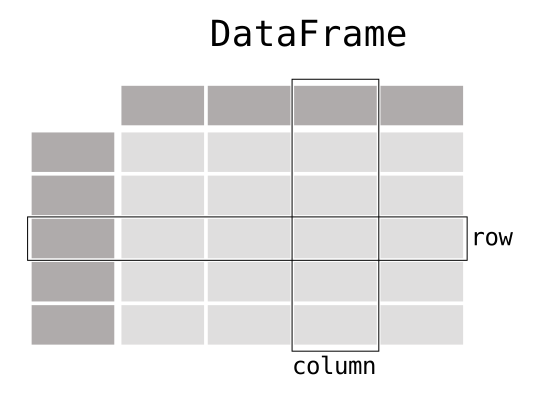
When working with tabular data, such as data stored in spreadsheets or databases, quantopy is the right tool for you. quantopy will help you
to explore, clean, and process your data. In quantopy, a data table is called a DataFrame.
To user guide
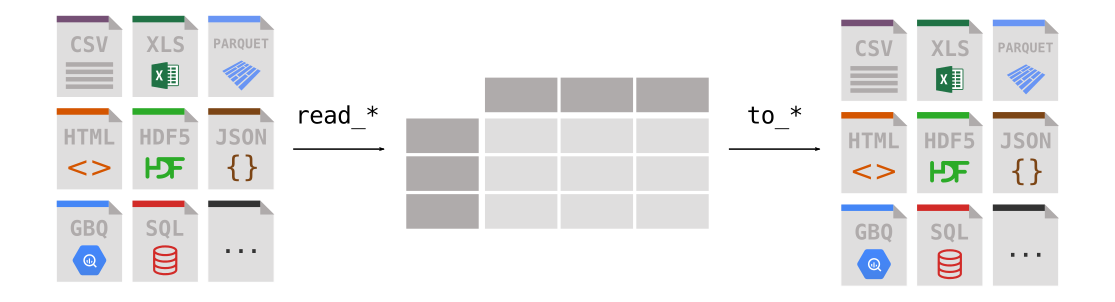
quantopy supports the integration with many file formats or data sources out of the box (csv, excel, sql, json, parquet,…). Importing data from each of these
data sources is provided by function with the prefix read_*. Similarly, the to_* methods are used to store data.
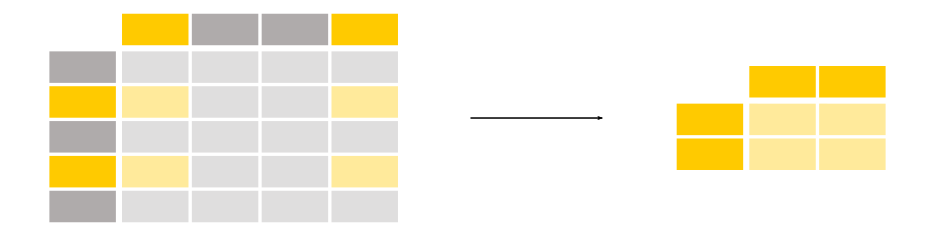
Selecting or filtering specific rows and/or columns? Filtering the data on a condition? Methods for slicing, selecting, and extracting the data you need are available in quantopy.
To user guide
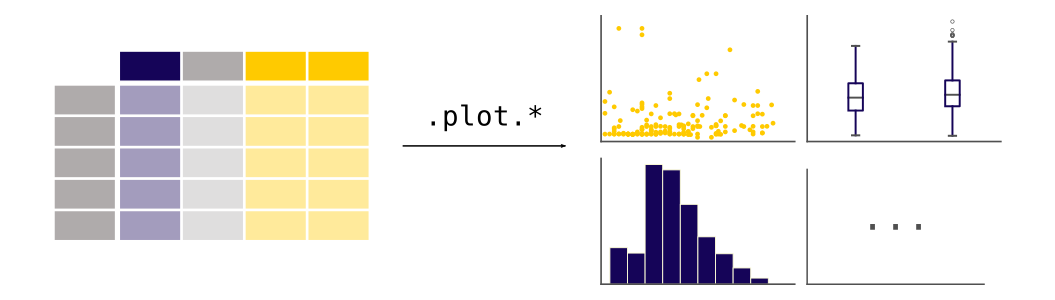
quantopy provides plotting your data out of the box, using the power of Matplotlib. You can pick the plot type (scatter, bar, boxplot,…) corresponding to your data.
To user guide
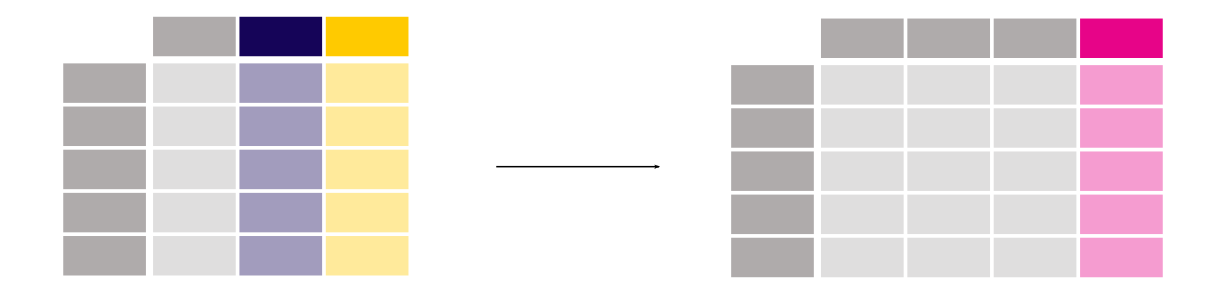
There is no need to loop over all rows of your data table to do calculations. Data manipulations on a column work elementwise.
Adding a column to a DataFrame based on existing data in other columns is straightforward.
To user guide
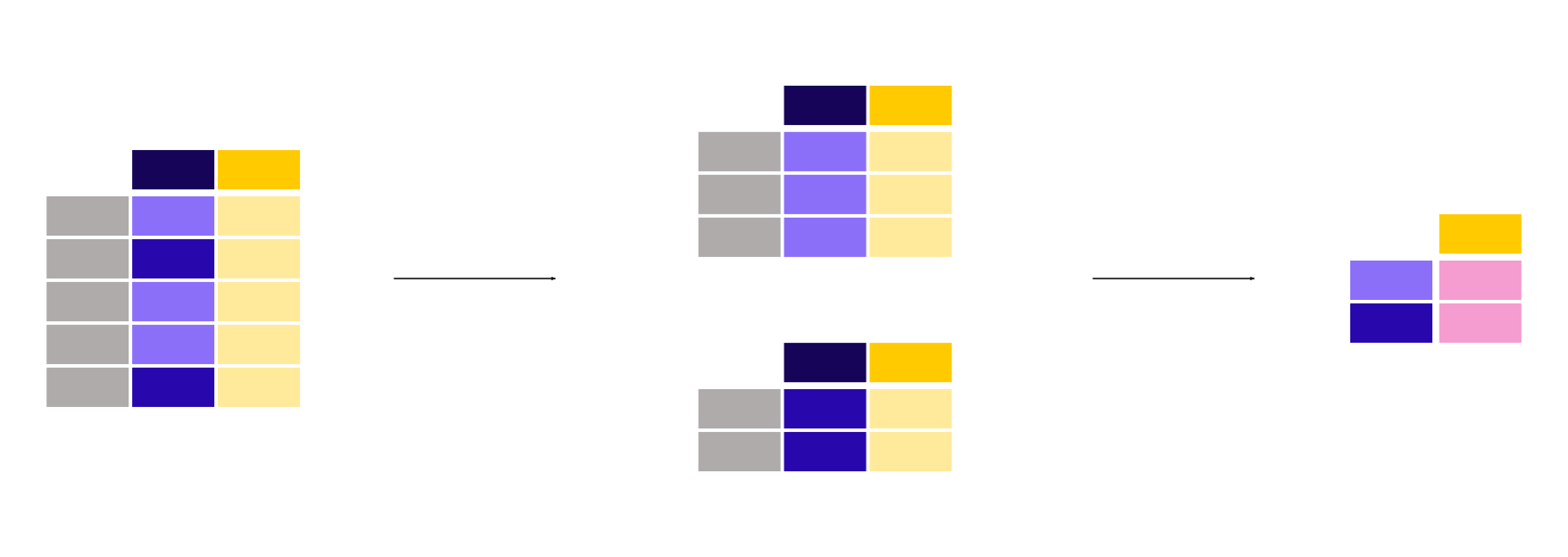
Basic statistics (mean, median, min, max, counts…) are easily calculable. These or custom aggregations can be applied on the entire data set, a sliding window of the data, or grouped by categories. The latter is also known as the split-apply-combine approach.
To user guide
Change the structure of your data table in multiple ways. You can melt() your data table from wide to long/tidy form or pivot()
from long to wide format. With aggregations built-in, a pivot table is created with a single command.

To user guide
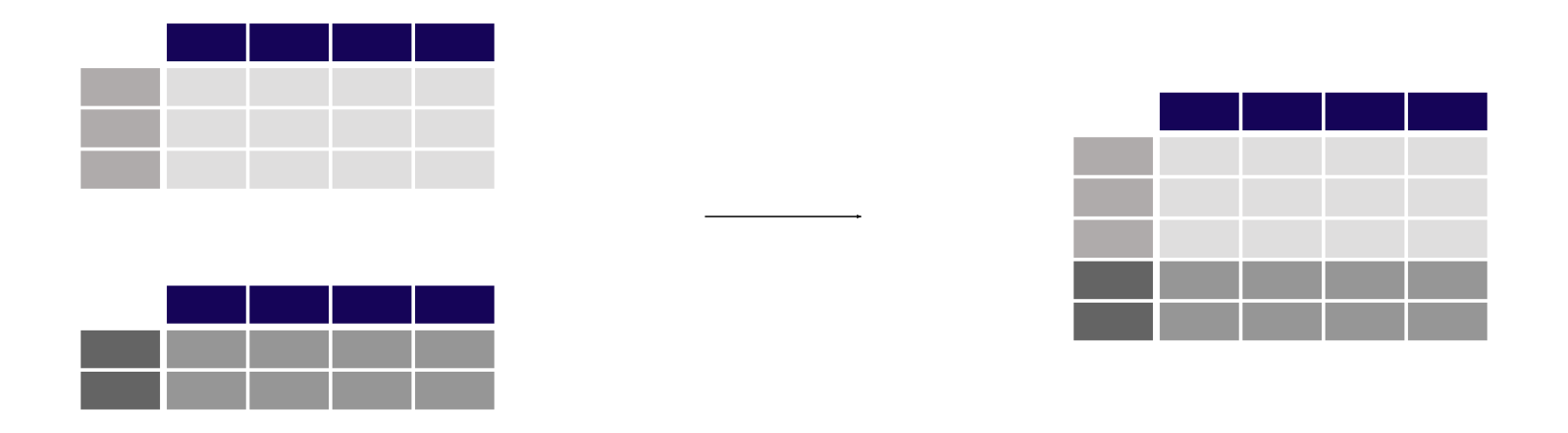
Multiple tables can be concatenated both column wise and row wise as database-like join/merge operations are provided to combine multiple tables of data.
quantopy has great support for time series and has an extensive set of tools for working with dates, times, and time-indexed data.
To user guide
Data sets do not only contain numerical data. quantopy provides a wide range of functions to clean textual data and extract useful information from it.
To user guide
Coming from…
Are you familiar with other software for manipulating tablular data? Learn the quantopy-equivalent operations compared to software you already know:

The R programming language provides the
data.frame data structure and multiple packages, such as
tidyverse use and extend data.frame
for convenient data handling functionalities similar to quantopy.

Already familiar to SELECT, GROUP BY, JOIN, etc.?
Most of these SQL manipulations do have equivalents in quantopy.

The data set included in the STATA
statistical software suite corresponds to the quantopy DataFrame.
Many of the operations known from STATA have an equivalent in quantopy.

Users of Excel or other spreadsheet programs will find that many of the concepts are transferrable to quantopy.

The SAS statistical software suite
also provides the data set corresponding to the quantopy DataFrame.
Also SAS vectorized operations, filtering, string processing operations,
and more have similar functions in quantopy.
Tutorials
For a quick overview of quantopy functionality, see 10 Minutes to quantopy.
You can also reference the quantopy cheat sheet for a succinct guide for manipulating data with quantopy.
The community produces a wide variety of tutorials available online. Some of the material is enlisted in the community contributed Community tutorials.